Privacy in plain language
What Makes a Journaling App Truly Private?
A private journaling app should do more than feel quiet. It should explain where your writing lives, what can leave your device, and how you can remove it.
Look beneath the mood
Privacy is a data path, not a design style.
A calm interface, a lock icon, or a promise that your journal is “for your eyes only” may feel reassuring. None of those details explains what the app does with your words. Privacy becomes meaningful when you can trace the path an entry takes.
Begin with storage. An entry kept only on your phone has a different path from one uploaded to a company’s service. An account may make sync possible, but it also gives the service another relationship to your writing. Neither approach is automatically wrong; the important thing is knowing which one you are choosing.
Then look for the boundaries. A useful privacy explanation distinguishes journal contents from app-usage analytics, automatic sync from device backups, and deleting an entry from deleting an account. Specific answers are easier to trust—and easier to question—than one broad promise.
A practical privacy check
Six questions worth asking
You should not need technical expertise to understand the answers. A trustworthy app can describe each part in ordinary language.
Where are entries and photographs stored?
Does writing require an account?
What leaves the device, and why?
Are analytics present inside the app?
Do backups or sync create another copy?
What does deletion actually remove?
App and website are different
Follow the data, not just the brand.
A journal app can keep entries on a device while its public website measures visits to ordinary web pages. Those are separate systems. Ask what the app itself can access or transmit, then ask what the website measures. A clear privacy policy should not blur the two.
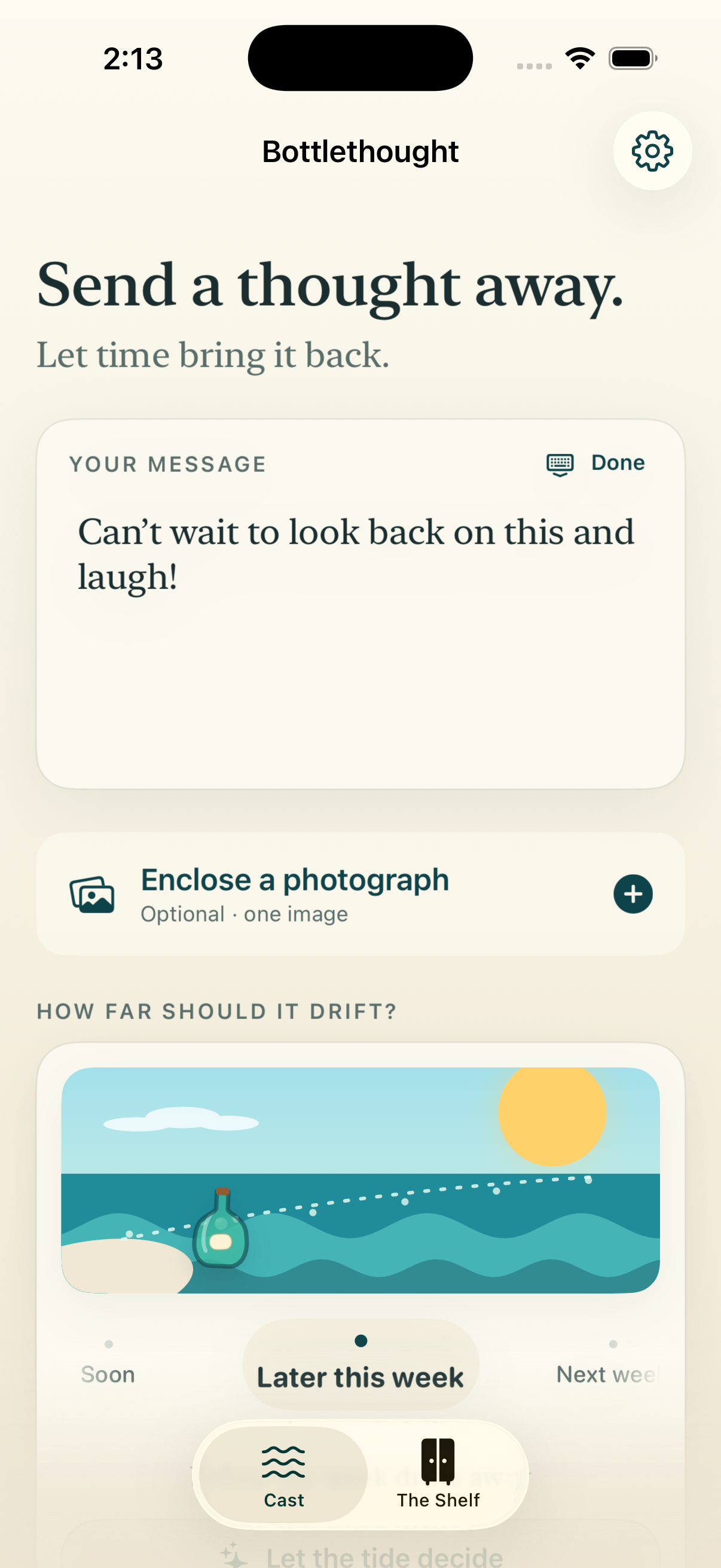
Bottlethought’s iPhone app has no account system, analytics, advertising, tracking, or network service. Messages and photographs stay locally on the iPhone, subject to device or iCloud backups you control. Widgets never receive message text or photographs, and return notifications are scheduled locally by iOS.
The public Bottlethought website separately uses Vercel Web Analytics for aggregate page-view counts, without analytics cookies or persistent visitor identifiers. No app messages or photographs are involved. Read the details in the plain-language privacy policy.
From promise to practice
How to read a privacy claim
- 01
Find a concrete storage answer
Look for a specific location: on the device, on the company’s servers, or in a cloud account you control. “Secure” is not a location.
- 02
Follow every copy
Check accounts, sync, analytics, widgets, exports, and backups separately. Each can move or duplicate different kinds of data.
- 03
Understand the way out
A clear policy explains how to delete one entry, all app data, and any account—and whether a device or cloud backup may still contain an older copy.
Clarity is part of privacy
Private writing deserves specific answers.
You do not need a perfect technical guarantee. You need an honest account of where your writing goes, which systems touch it, and what choices remain yours. If an app cannot explain those basics plainly, keep looking.
 Download on the App Store